Home | Download | Order | Contact | Products    
 
        Home

 Images generator and

Drawing  
Painting                 Created brush using
Abstractionism


 Images generator for

Web designers         Engineers
           Children          Artists          Students

       Examples

3D graphic            Web elements      Wallpaper             Templates        Art                           Engireering             Abstractionism     Banners                  Child
Landscape            Animation

    Collaboration 

Affiliate                 Programming

       Forum

    Guestbook

   Links Page


Drawing

Images creation with  Images Generator conditionally can be shared into two methods: painting and drawing.

Images Generator as well as other graphic editors uses for drawing such tools as pen tool, line tool, polyline tool and bezier tool. With the help of these tools Images Generator allows to draw one-color straight lines, curves or containing multiple lines shapes.

Besides drawing can be carried out with the help of shape templates as ellipse or rectangular. Images Generator has plenty built-in shape templates. You can to determine sizes, angle of turn and proportions for every template. You can to drag templates with mouse and to transfer templates from one image window to another with changed scale. Shape templates determine trajectory which may be painted over with one of methods. Process of creation of image consists in dragging shape templates and addition of separate fragments similarly to construction of a small house from cubes

innovative drawing

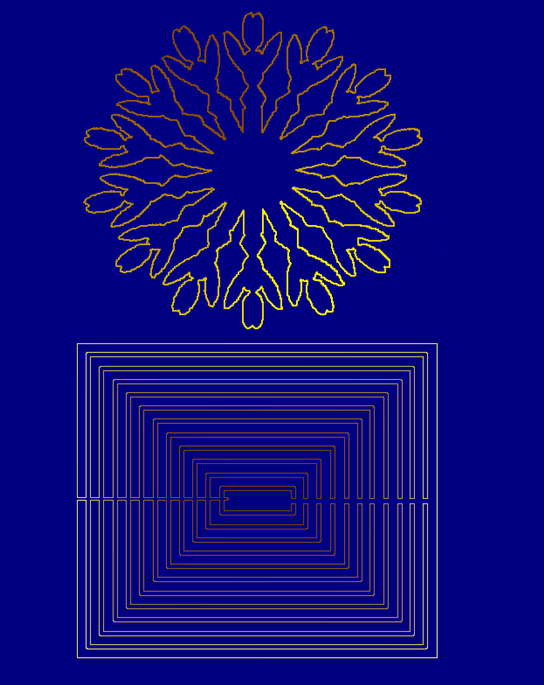
Except for the built - in templates the user with their help can to create new one for short time. For this purpose the one-color image having the shape of a required template is created, and to this image operation of border determination is applied. Operation of border determination is carried out with the help of color selection tool. 

templates creation

More shape template examples click here.

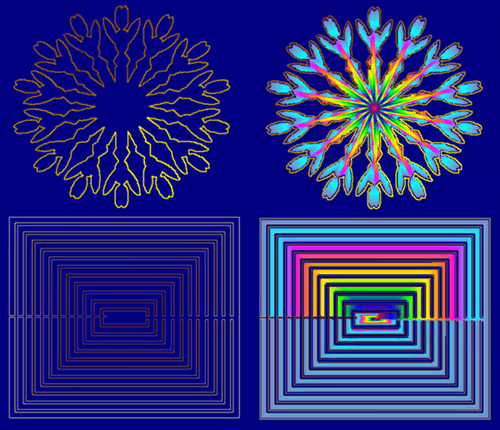
Images Generator provides additional opportunities for drawing lines. For this purpose the trajectory is set in lines mode of selection tool. After that this trajectory is painted over by one of methods of painting. It allows painting over lines with different colors and different patterns and also allows 3d effect and other opportunities.

trajectory painting